

Every Counter-Strike 2 player has wondered how a Karambit, Butterfly Knife or Talon Knife would feel in their hands. Knives are the most expensive items in the game, so it makes sense to test the models before you spend money. In this guide, the BloodyCase team shows you how to use CS2 knife commands to give yourself any knife on a private practice server.


We explain where to type each command and where to find knife IDs. Testing inspect animations this way is a smart move before you try to unbox a knife on BloodyCase.
How to Get Any Knife in CS2
Knife commands work only in a practice game that you host. Here is the fastest way:
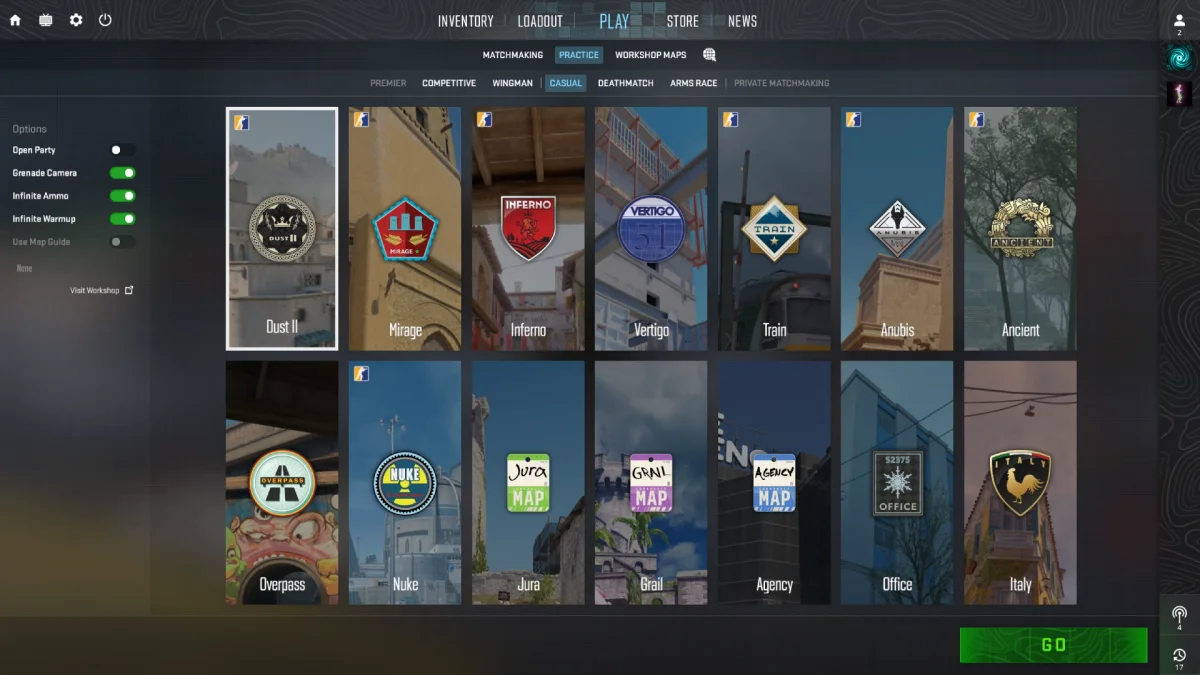
- Click Play, choose Practice, pick a map and click Go.
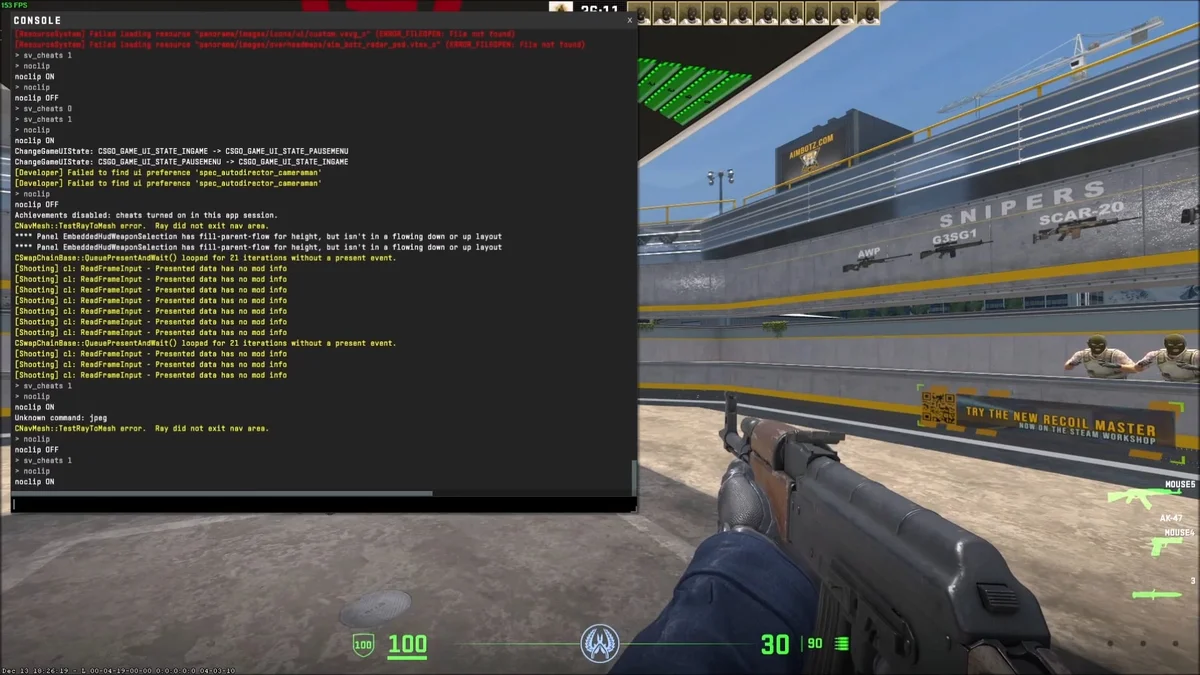
- Open the console with ~ and type sv_cheats 1.
- Take out your knife by pressing 3.
- Type subclass_change 507 weapon_knife to get a Karambit.
- Replace 507 with another ID, for example 515 for the Butterfly Knife or 508 for the M9 Bayonet.
- Press F to inspect your new knife.
The knife has no skin and is visible only to you. Full details and the complete ID list are below.
What Knife Commands Can and Cannot Do
Before you start, it is important to understand the limits. Knife commands only change the model in your local game:
- They work only on your own server with cheats enabled, never in matchmaking.
- The knife appears without a skin, in its default “vanilla” look.
- Only you can see it, and it does not go into your Steam inventory.
- It resets when you leave the server or restart the map.
- Using these commands is completely safe and will not trigger a VAC ban.
Step 1: Set Up a Private Practice Server
Knife commands require cheats, and cheats can only be turned on in a game that you host. This takes less than a minute.
Start a Practice Match
Open CS2, click Play at the top of the screen and choose Practice. Pick any map, such as Mirage or Dust II, and click Go. You will load into an offline server where you are the host. If you have not enabled the developer console yet, do it in Settings, Game, Enable Developer Console, and then press the ~ key to open it.
Enable Cheats
Open the console and type sv_cheats 1, then press Enter. This command unlocks all the practice commands used in this guide. Without it, the game will tell you that the command is protected or simply ignore it.
Method 1: The subclass_change Command
The most reliable way to change your knife in CS2 is the subclass_change command. It swaps the model of the knife you are currently holding for any other knife using its ID number.
How to Use It
Follow these steps after enabling cheats:
- Press 3 to take out your default knife.
- Open the console with the ~ key.
- Type subclass_change 507 weapon_knife and press Enter.
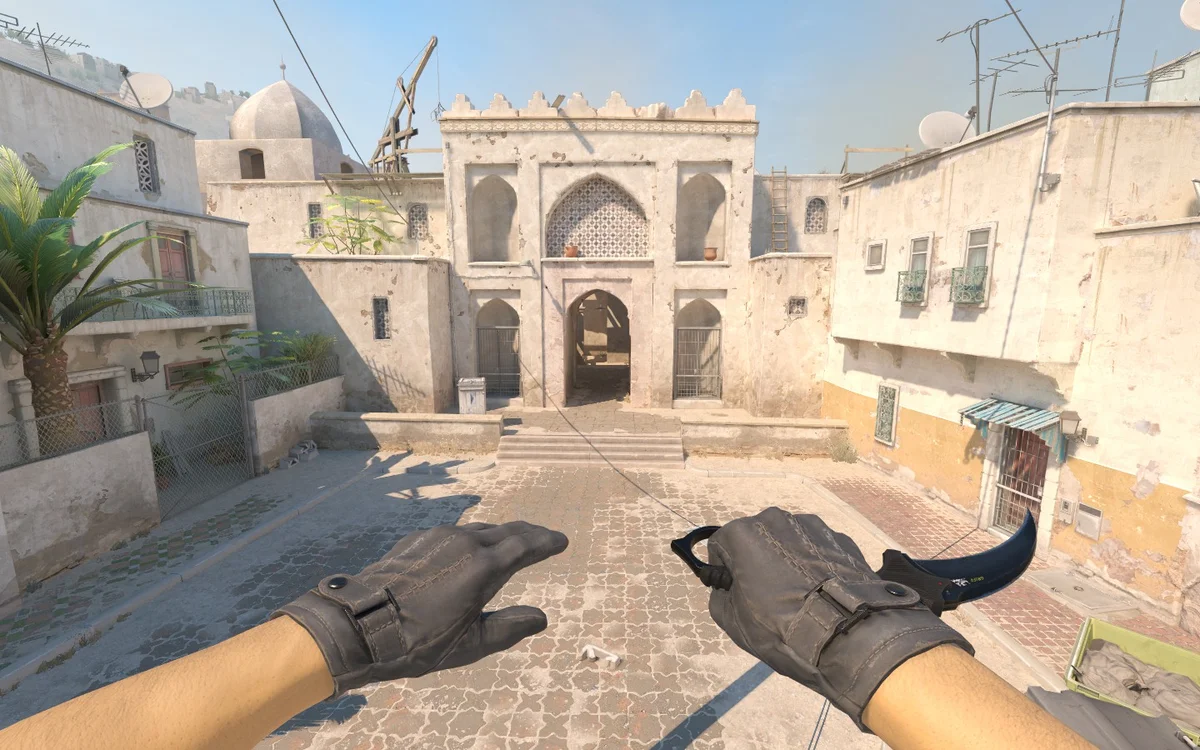
- Close the console. You are now holding a Karambit.
- To try another model, repeat the command with a different ID.
If the command does not work on the Terrorist side, replace weapon_knife with weapon_knife_t at the end of the command.
CS2 Knife ID List
Use these numbers with the subclass_change command:
| Knife | ID | Knife | ID |
|---|---|---|---|
| Bayonet | 500 | Paracord Knife | 517 |
| Classic Knife | 503 | Survival Knife | 518 |
| Flip Knife | 505 | Ursus Knife | 519 |
| Gut Knife | 506 | Navaja Knife | 520 |
| Karambit | 507 | Nomad Knife | 521 |
| M9 Bayonet | 508 | Stiletto Knife | 522 |
| Huntsman Knife | 509 | Talon Knife | 523 |
| Falchion Knife | 512 | Skeleton Knife | 525 |
| Bowie Knife | 514 | Kukri Knife | 526 |
| Butterfly Knife | 515 | Shadow Daggers | 516 |
Switching Between Knives Quickly
Typing commands again and again gets boring, so you can bind them to keys. Open the console and type, for example, bind F5 “subclass_change 507 weapon_knife” for the Karambit and bind F6 “subclass_change 515 weapon_knife” for the Butterfly Knife. Now you can switch between models with one press while holding your knife. These binds only work when cheats are enabled, so they will not do anything in normal matches.
Method 2: Give and Drop
Another method uses the classic give command. Valve has changed how it works in several updates, so it may not always function, but it is worth knowing.
How to Use It
Try these steps on your practice server:
- Type sv_cheats 1 and mp_drop_knife_enable 1 in the console.
- Take out your knife and press G to drop it.
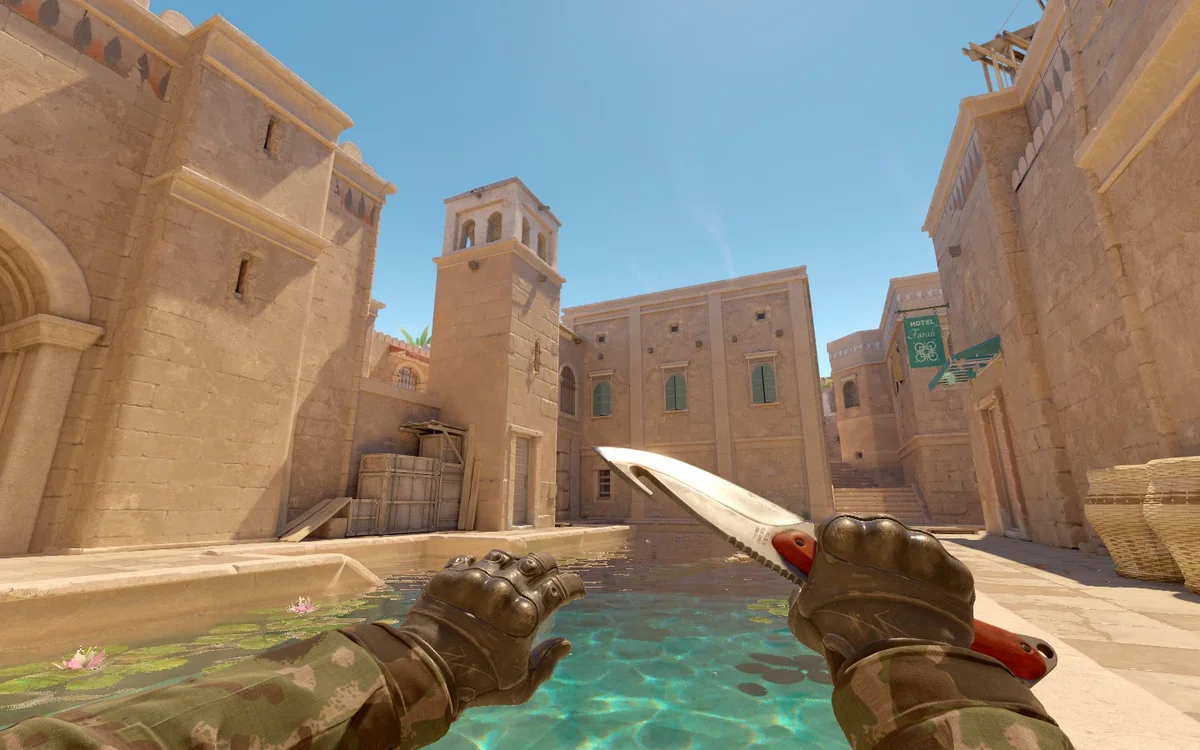
- Type give weapon_knife_karambit and press Enter.
- Walk over the knife if it spawns on the ground to pick it up.
If the knife does not appear or turns into a default one, switch back to the subclass_change method.
Give Command Names for Popular Knives
These are the item names used after the give command:
- weapon_knife_karambit and weapon_knife_m9_bayonet
- weapon_bayonet and weapon_knife_flip
- weapon_knife_butterfly and weapon_knife_tactical (Huntsman)
- weapon_knife_widowmaker (Talon) and weapon_knife_stiletto
- weapon_knife_skeleton and weapon_knife_kukri
Useful Practice Commands to Pair With Knives
Once you have your knife, these commands make testing more comfortable:
- mp_roundtime_defuse 60 gives you a one-hour round.
- mp_restartgame 1 restarts the round if something goes wrong.
- bot_kick removes all bots so nobody interrupts you.
- thirdperson and firstperson let you see the knife from the outside.
- cl_prefer_lefthanded 1 switches your weapons to the left hand.
Inspecting Your Knife
Press F to play the inspect animation. Each knife has its own unique animation, and this is often what makes players fall in love with a model. Try inspecting several times, because some knives, like the Butterfly and Talon, have different animation variations.
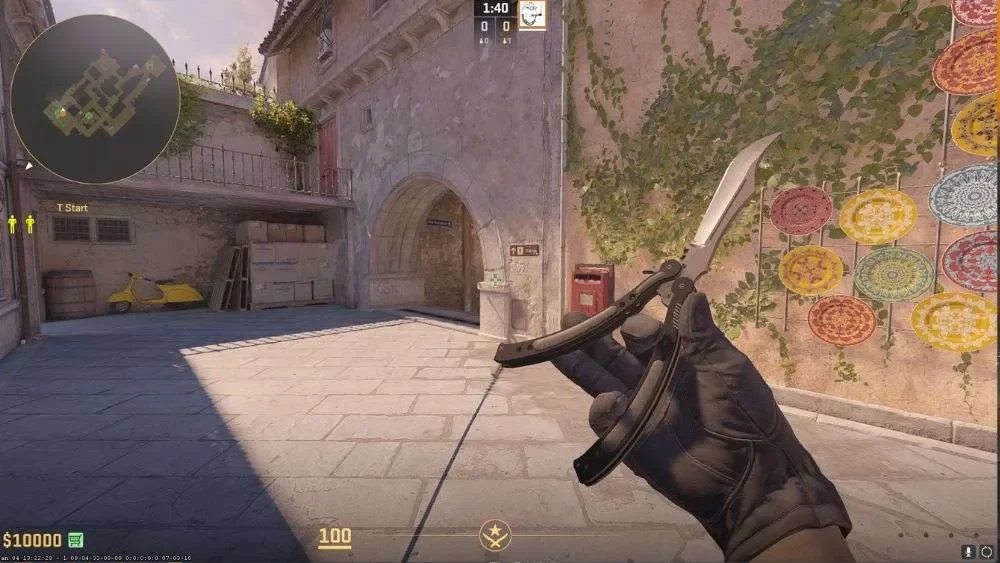
You can also combine inspecting with the thirdperson command to see how the knife looks in your character’s hand from behind. Type firstperson to return to the normal view.
Which Knife Should You Try First?
With so many models available, it helps to know where to start. The Karambit and Butterfly Knife are the most iconic choices, famous for their flashy inspect animations. The M9 Bayonet and Talon Knife look large and impressive in first person, while the Skeleton and Kukri Knife offer a more modern style.
Budget-Friendly Models
If you want a real knife later but have a smaller budget, test the models that are usually cheaper on the market:
- Gut Knife and Navaja Knife, compact models with simple animations.
- Shadow Daggers, a unique dual-wield knife with a punching style.
- Falchion Knife and Bowie Knife, solid mid-range options.

Comparing them in practice first helps you avoid buying a knife that looks great in screenshots but feels wrong in your hand.
From Practice Knife to a Real One
Testing models with commands is the perfect way to decide which knife suits you, but the result exists only in your practice game. A real knife with a finish like Fade, Doppler or Tiger Tooth stays in your inventory, shows up in every match and can be traded on the market. Once you find your favorite model, you can look for it in Steam trading, on the market or try your luck with knife cases on BloodyCase.

So, Which Knife Will You Test First?
CS2 knife commands are a fun and free way to try every knife in the game. Start a practice match, type sv_cheats 1, then use subclass_change with the ID from our table to switch between models in seconds. Inspect each knife, compare animations and pick the one that feels right. When you know exactly which knife you want, the hunt for the real skin becomes much more exciting.
FAQ
Can I get VAC banned for using knife commands?
No. These commands only work on your own server with sv_cheats enabled, which is an official game feature. They are completely safe.
Can other players see the knife I gave myself?
No. The knife exists only in your local practice game. It does not appear in your inventory or in online matches.
Can I spawn a knife with a skin like Fade or Doppler?
No. Knife commands give only the default “vanilla” model. Skins with finishes come only from cases, trades or the market.
Why does the console say “Unknown command” or nothing happens?
Check for typos, make sure you typed sv_cheats 1 first and confirm that you are on your own practice server, not an official or community one.
Why does the command not work on the Terrorist side?
The default T knife can use a different name. Replace weapon_knife with weapon_knife_t at the end of the subclass_change command.

I’m John Stevens, guy who is completely passionate about playing CS2. For me, it’s not just a hobby, it’s a way of life. I spend most of my time developing strategies, practicing, and participating in amateur championships.
Through this blog, I aim to inspire, entertain, and unite other gamers.
So join me on this incredible journey through the cs2 world. Together, we will explore the ins and outs of CS2, discuss the latest gaming news, and dive into the exciting world of eSports. My blog is created to provide insights, reviews, and thought-provoking content that will keep you coming back for more.